
Jeff Su – Build Your Command Center in Notion

-80%

Jeff Su – Build Your Command Center in Notion

Jeff Su - Build Your Command Center in Notion

Jeff Su – Build Your Command Center in Notion

Original price was: $280.00.Current price is: $57.00.

In stock

Original price was: $280.00.Current price is: $57.00.

Learn how to finally integrate your tasks, notes, and goals into one simple system  no productivity theory required.

File Size: 6.96 GB.

Purchase this product now and earn 57 Points!
10 Points = $1

Description

Jeff Su – Build Your Command Center in Notion

Jeff Su - Build Your Command Center in Notion

Course Overview

Go from overwhelmed to organized with a proven system that keeps your work and life in sync. I take out all the guesswork by walking you through step-by-step on how to build a comprehensive Command Center in Notion!
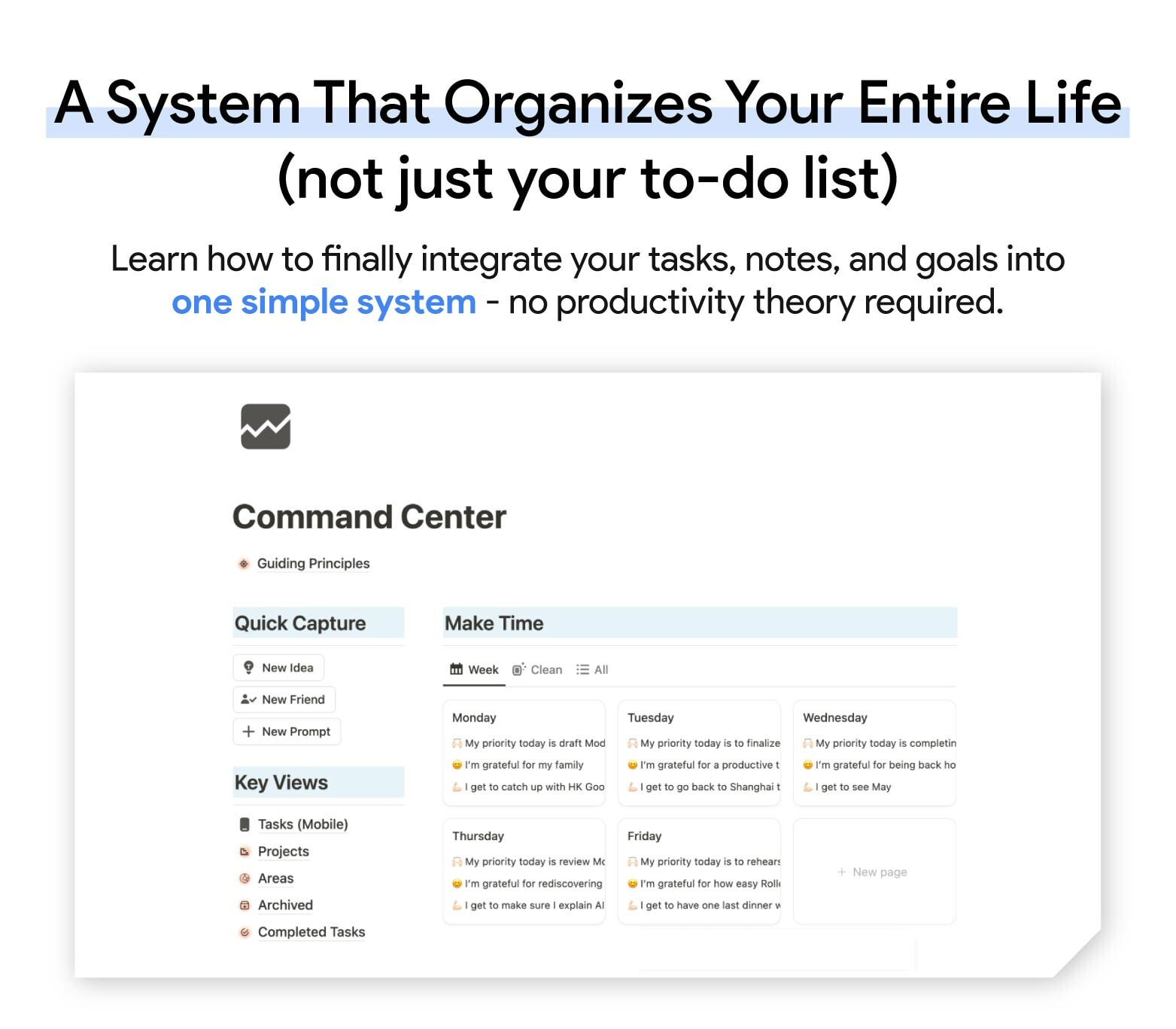
Command Center in Notion: A comprehensive system for organizing tasks, notes, and goals. Features Quick Capture for new ideas, Make Time weekly planner with priorities and gratitude entries, and Key Views for managing tasks, projects, and areas of focus.
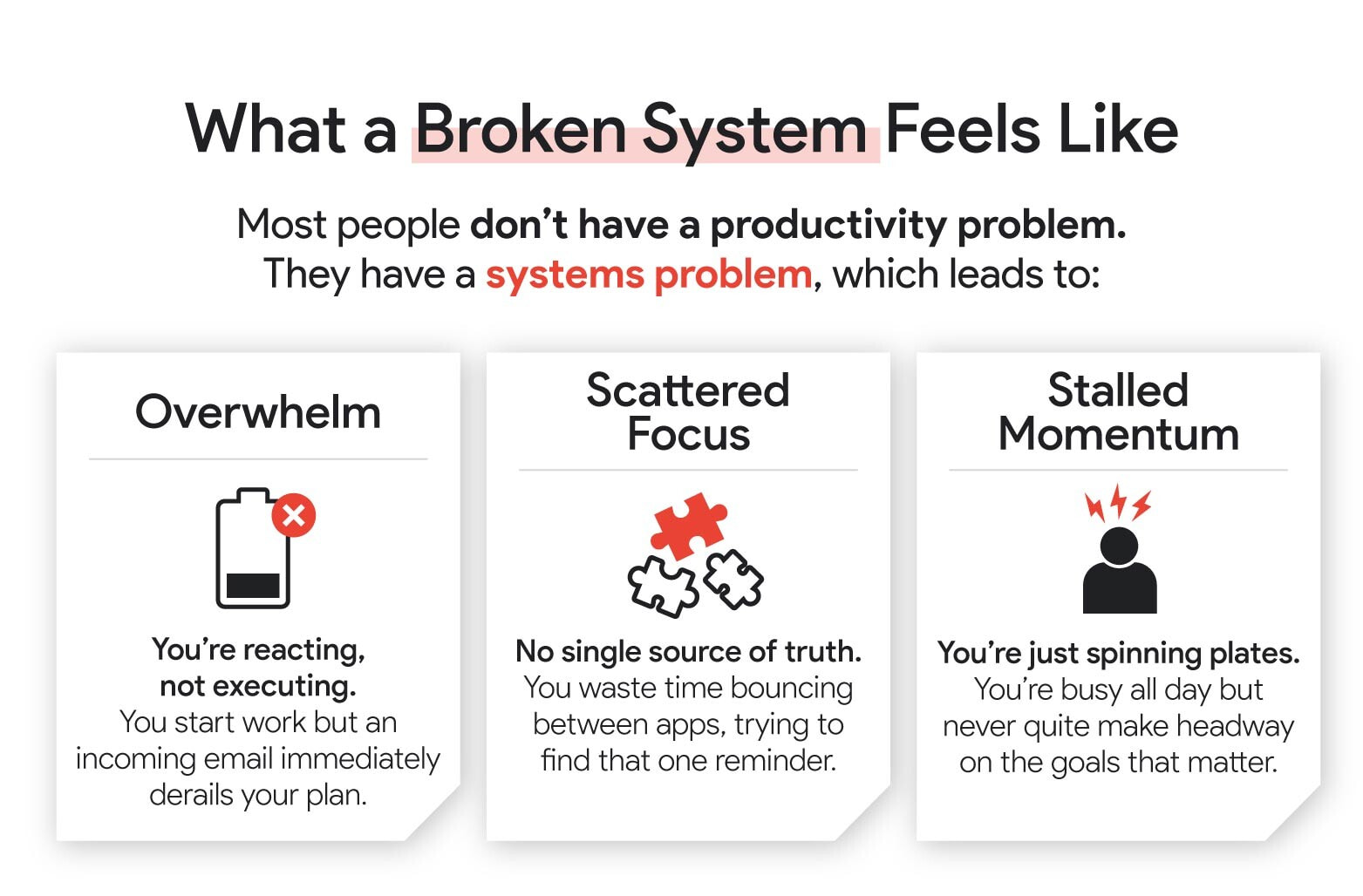
Infographic explaining a broken productivity system: Overwhelm (low battery icon), Scattered Focus (puzzle pieces), and Stalled Momentum (person with lightning bolts). Describes how systems problems lead to reactive work, wasted time between apps, and lack of progress on important goals.

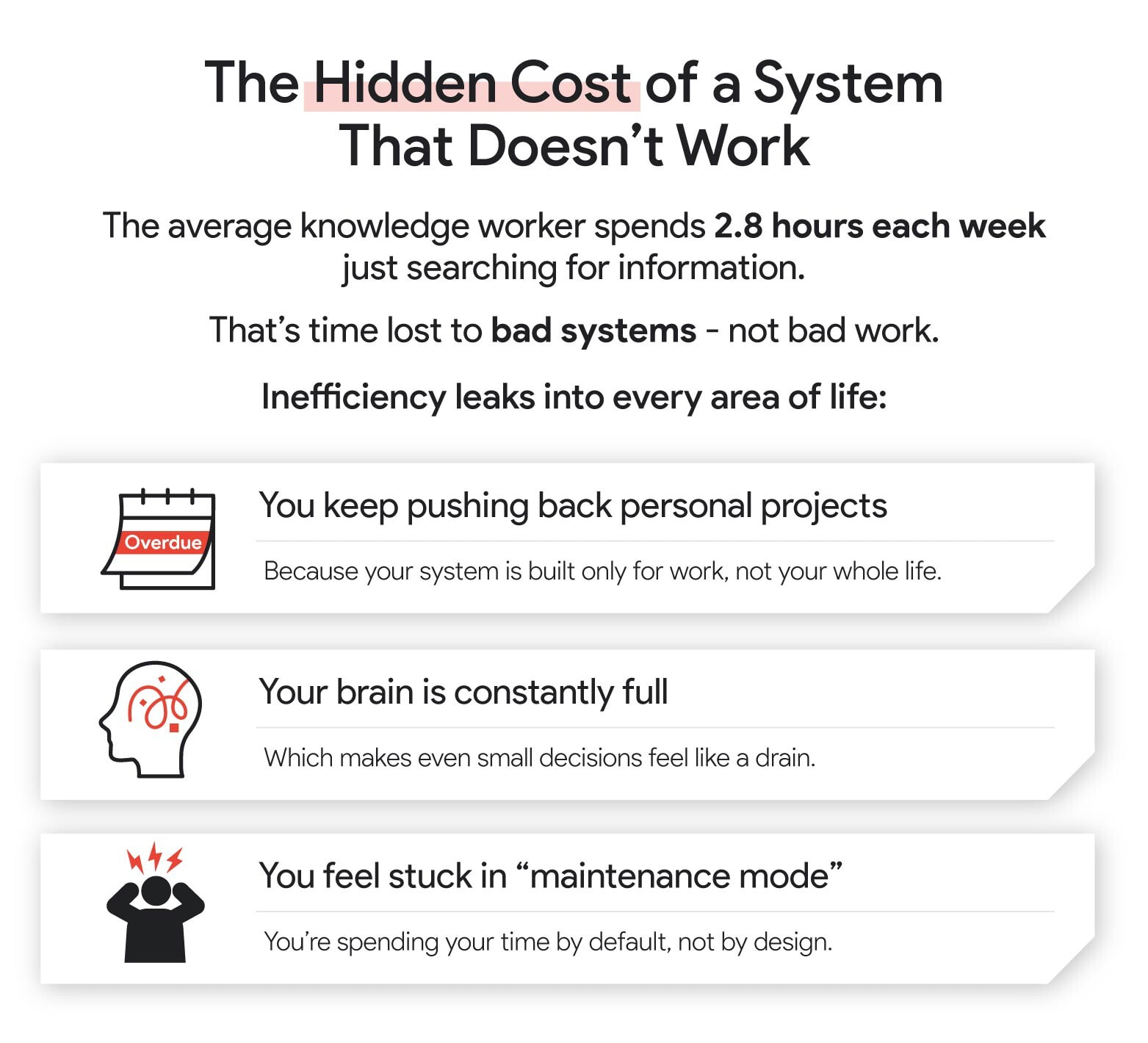
Infographic detailing the hidden costs of inefficient systems. Highlights knowledge workers spending 2.8 hours weekly searching for information, and lists three key impacts: postponed personal projects, mental overload, and feeling stuck in "maintenance mode". Emphasizes how poor systems, not poor work, lead to inefficiency in all life areas.

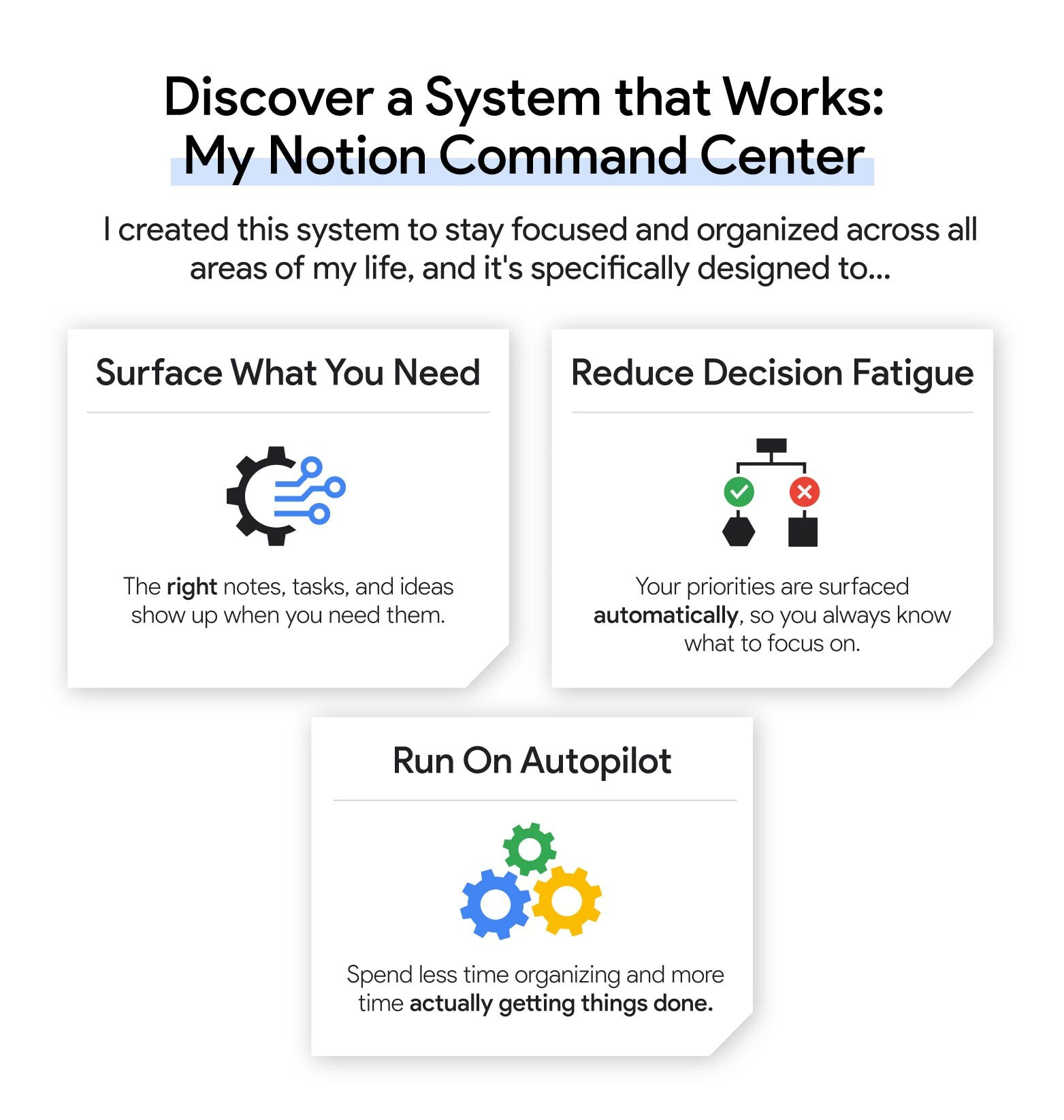
Infographic showcasing "Notion Command Center" benefits: Surface What You Need (right notes appear when needed), Reduce Decision Fatigue (priorities surfaced automatically), and Run On Autopilot (spend less time organizing, more on execution). Designed to keep users focused and organized across all life areas.

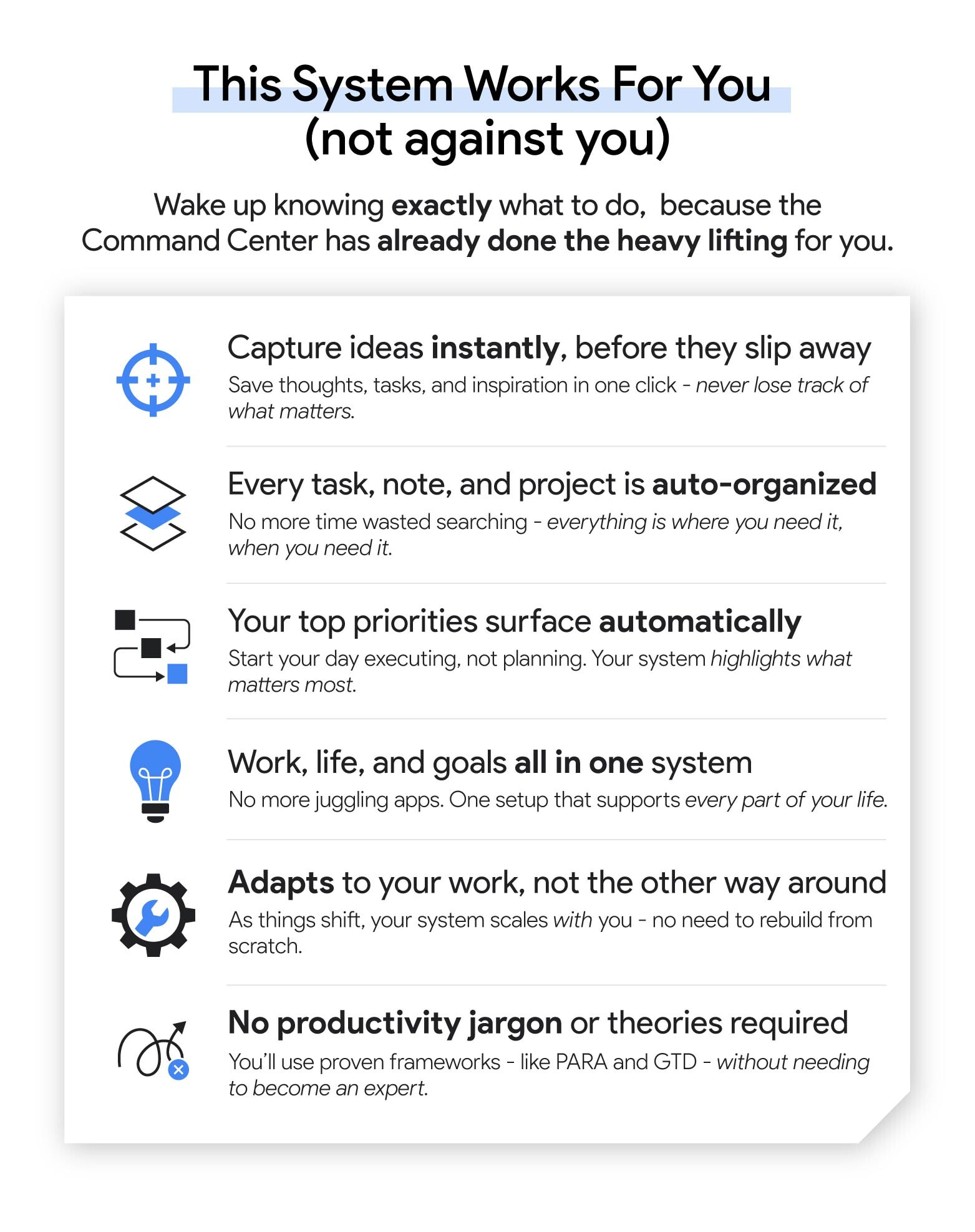
Infographic detailing benefits of the Notion Command Center system: instant idea capture, auto-organization of tasks, automatic priority surfacing, all-in-one life management, adaptable workload system, and user-friendly productivity frameworks. Emphasizes how the system works for users, simplifying task management and boosting efficiency.
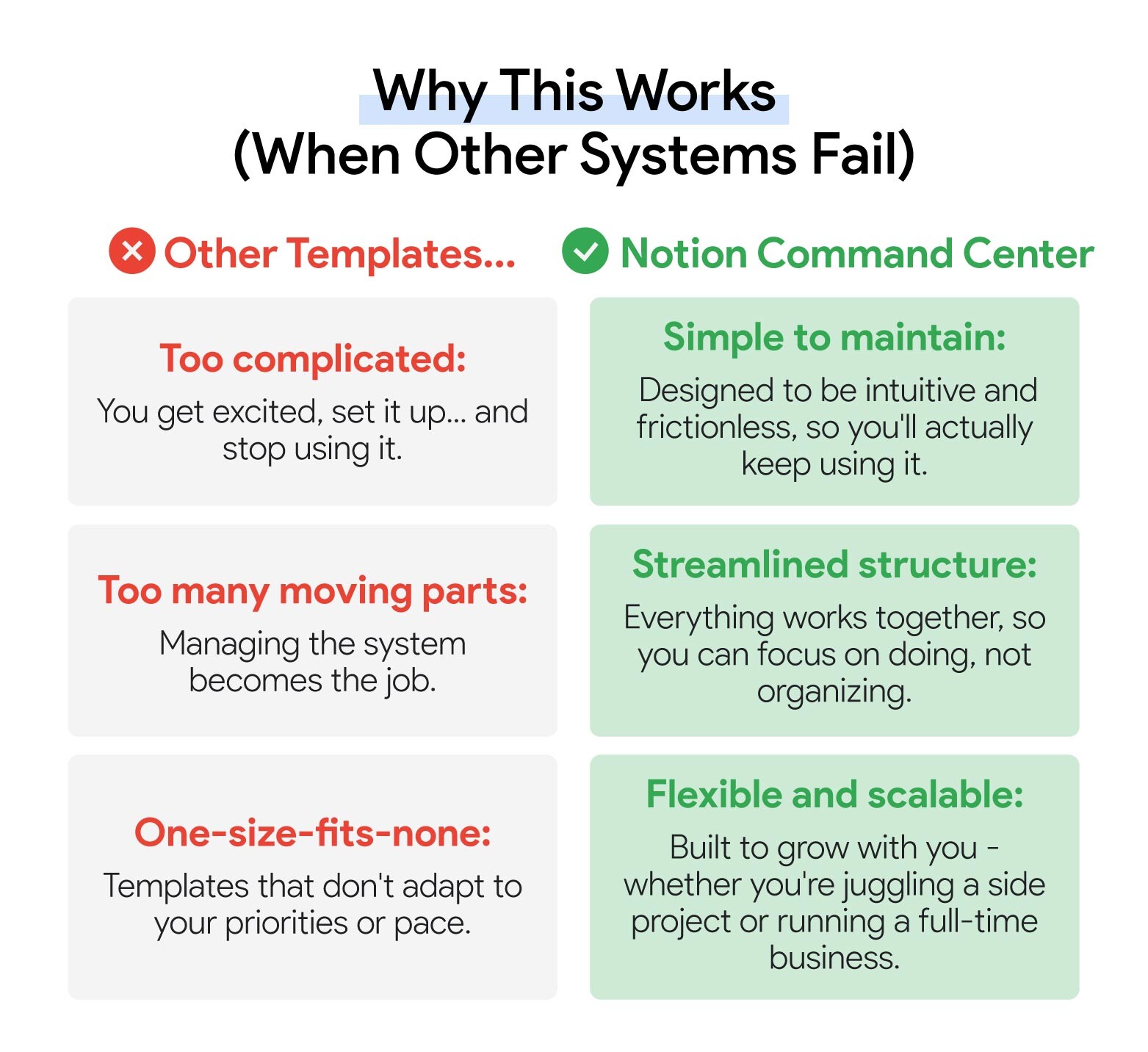
Comparison chart titled "Why This Works (When Other Systems Fail)" contrasting "Other Templates" with "Notion Command Center". Highlights Notion's simplicity, streamlined structure, and flexibility against common pitfalls of other systems like complexity, overcomplication, and rigidity. Emphasizes Notion's intuitive design and scalability for various project sizes.
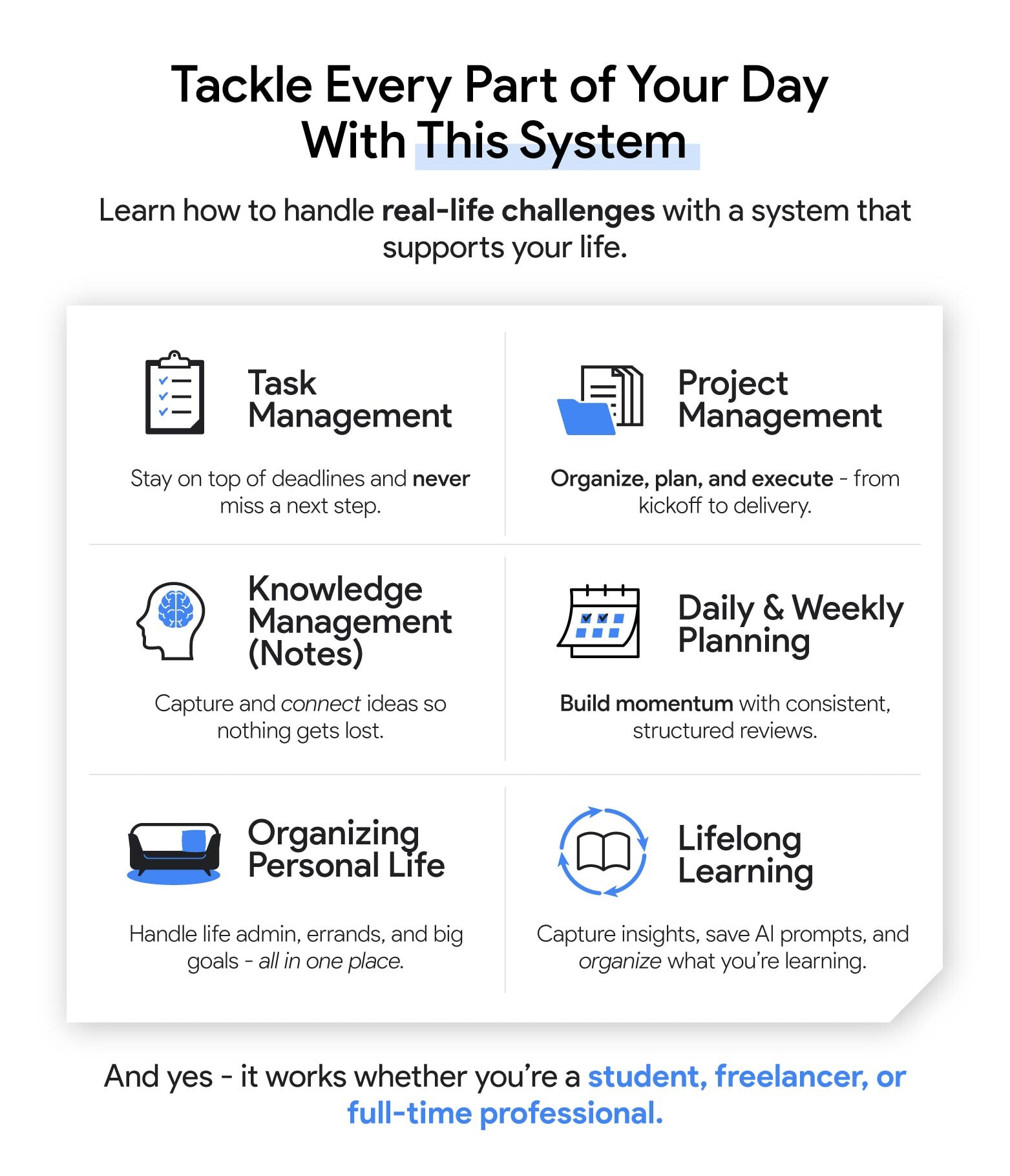
Infographic showcasing Notion Command Center's comprehensive system for daily productivity. Features six key areas: Task Management, Project Management, Knowledge Management, Daily & Weekly Planning, Organizing Personal Life, and Lifelong Learning. Each area includes an icon and brief description of its benefits, emphasizing how the system tackles every aspect of your day efficiently.
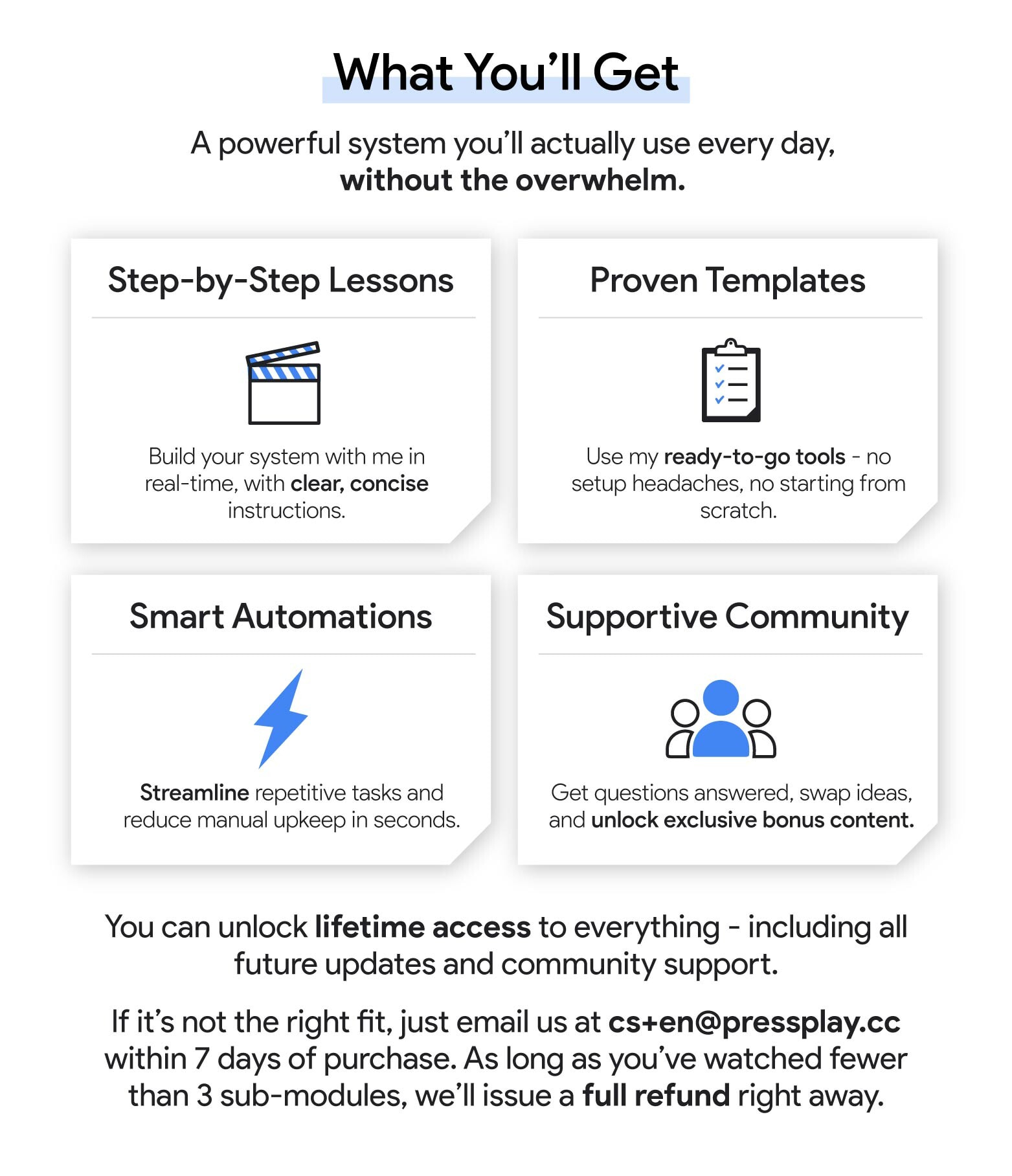
Infographic detailing Notion Command Center course benefits: Step-by-Step Lessons, Proven Templates, Smart Automations, and Supportive Community. Highlights include clear instructions, ready-to-go tools, streamlined tasks, and exclusive content. Offers lifetime access for $140 if enrolled before May 16th, with a full refund policy.
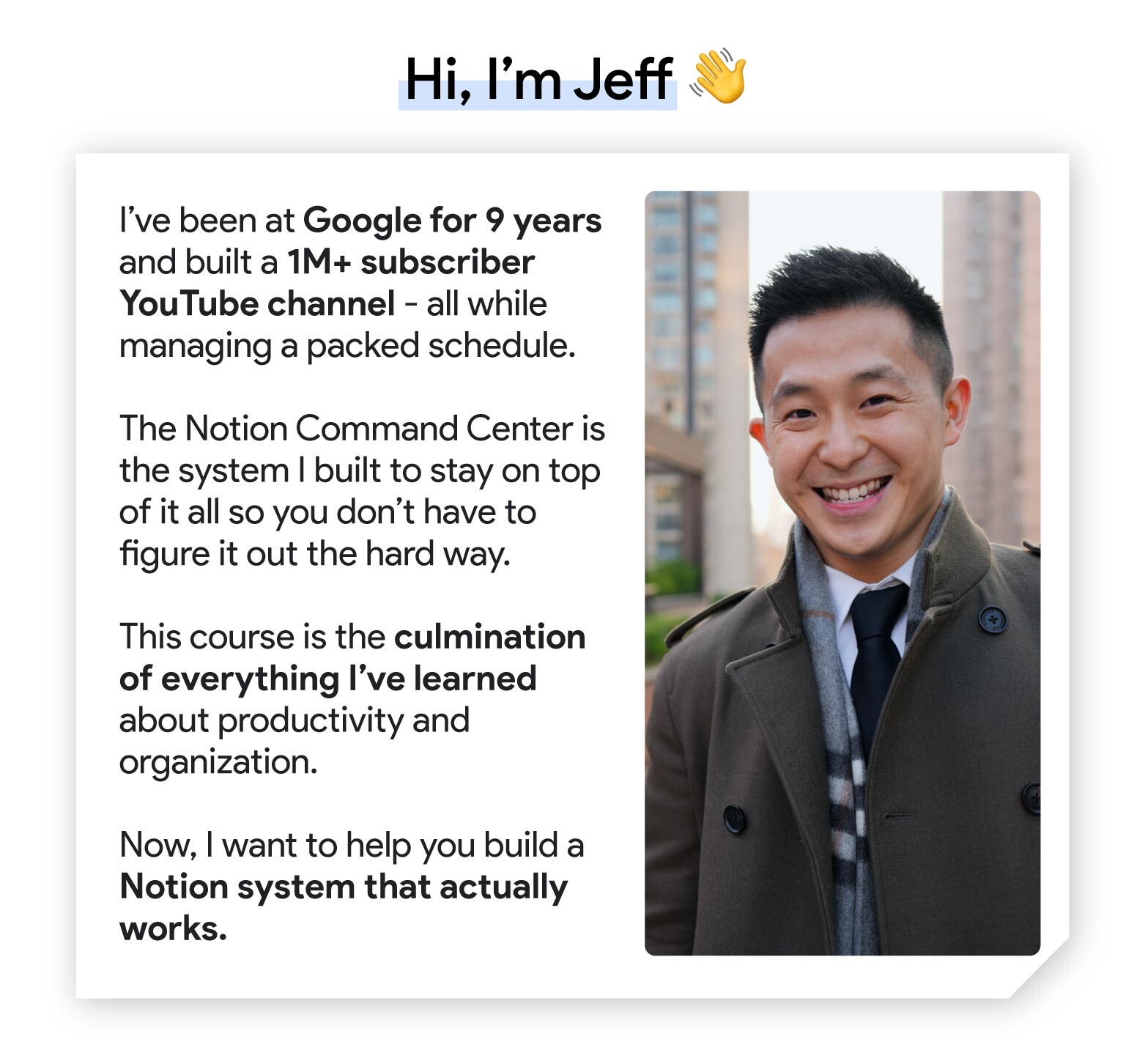
Course instructor introduction highlighting 9-year Google experience, 1M+ YouTube subscribers, and expertise in Notion Command Center for productivity. Emphasizes course as culmination of organizational knowledge, offering to help build effective Notion systems for users.

Outlines

Module 1: Intro – Welcome to The Course!

Lesson 1 – Welcome to Your Notion Command Center
Lesson 2 – Command Center in Action
Lesson 3 – Take What You Need and Leave The Rest

Module 2: Building Our Command Center

Lesson 1 – From Blank Page to Command Center
Lesson 2 – Make Time: Building Your Daily Focus System
Lesson 3 – Tasks: Building Your Action Engine
Lesson 4 – Task Management: Daily and Weekly Workflow
Lesson 5 – Notes: Setting up Your Knowledge Hub
Module 2 – Progress Check

Module 3: Project Mastery: Designing an Integrated System

Lesson 1 – Introducing the Projects Database
Lesson 2 – The Power of Relations
Lesson 3 – Project Management: Creating Visual Views
Module 3 – Progress Check

Module 4: Mastering Areas: The Foundation of Ongoing Responsibilities

Lesson 1 – Introducing Areas
Lesson 2 – Diving Deeper into Areas
Lesson 3 – Personalized Area Management
Module 4 – Progress Check

Module 5: Mastering Resources: From Setup to Advanced Strategies

Lesson 1 – Getting Started with Resources
Lesson 2 – Resources Database: Structure and Components
Lesson 3 – Resources in Action: Real-World Examples
Lesson 4 – Advanced Techniques for Resources
Module 5 – Progress Check

Module 6: Putting Everything Together

Lesson 1 – Final Touches for Your Command Center
Lesson 2 – Your Command Center Routine
Lesson 3 – Simple Case Study: Integrating Templates into Your Command Center
Lesson 4 – Advanced Case Study: Building a Custom Mini-Workflow
Lesson 5 – Thank you & Next Steps
Module 6 – Progress Check

Course Feedback – Build Your Command Center in Notion

Course Feedback

Instructor

Jeff Su

I’m Jeff. I used to be a Management Consultant helping large corporations make more profits. Now I’m a Googler helping a single large corporation make more profits.

To balance that out, my Youtube channel helps students and working professionals land jobs, be more productive, and succeed in the workplace.


Get Digital Download ” Jeff Su – Build Your Command Center in Notion ” Right Now!

Reviews

There are no reviews yet.


Be the first to review “Jeff Su – Build Your Command Center in Notion”


Featured Products

Best Selling Products

Latest Products

Top Rated products

You've just added this product to the cart: