

Pat Kay – Lightroom Editing Masterclass

Original price was: $399.00.$79.00Current price is: $79.00.
How to build a visual aesthetic, what style in photography truly is, and a few other concepts…
File Size: 20.2 GB.
- Description
- Reviews (0)
Description
Pat Kay – Lightroom Editing Masterclass

A premium masterclass that will take you from complete beginner to Lightroom Pro.
This is everything I know about Lightroom as an award-winning, full-time travel photographer, and after this course, you’ll never need to watch another Lightroom tutorial ever again.
Master image editing and become a Lightroom pro
Everything I know about Lightroom, all in once place.
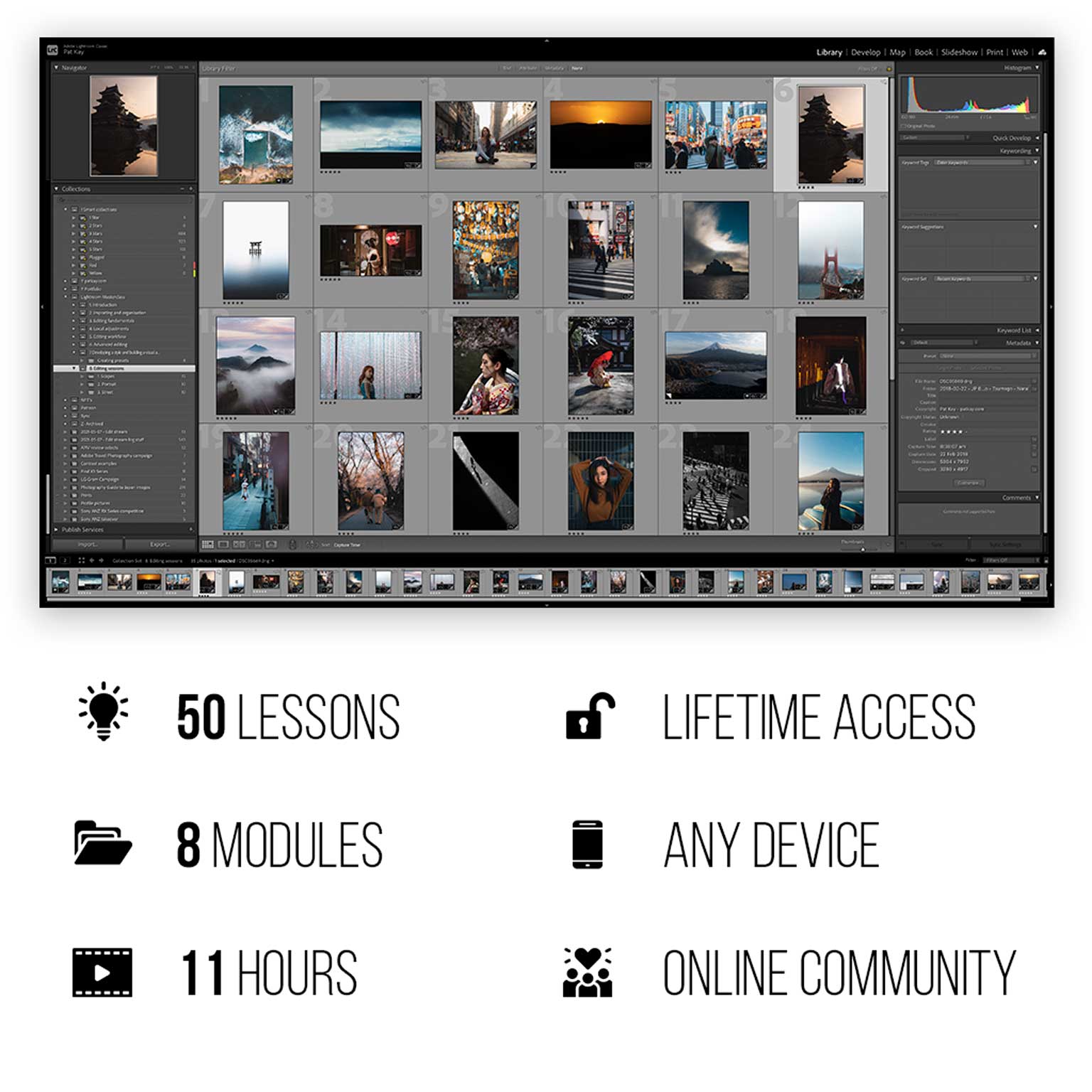
Getting good at Lightroom isn’t just about knowing the in’s and out’s of every tool. It’s about how you put your artistic vision to use; it’s about how creative you can be with your tools; it’s about how much you dare to experiment with something new.
That’s where this course is different to other Lightroom courses out there. This isn’t just a “here’s how you use the app, that’s it”-kind of course. Sure, we go through the fundamentals (and really break down the technicalities of how the tools work), but we also go through the more important things like workflow, creative and advanced editing, creating a visual aesthetic that is unique to you, understanding style, how to create your own quality presets.
I feel that the combination of all of these things are what truly makes you great at editing images.
And then to top it all off, we end the course with hours upon hours of real world, unfiltered editing of my own portfolio images where I put on display absolutely every creative concept, idea, and technique I know.I put all my knowledge into this course, and after this, you’ll never need to watch another Lightroom tutorial ever again.
Hope to see you in the course.
Pat.
Includes the new Masking feature, in-depth.
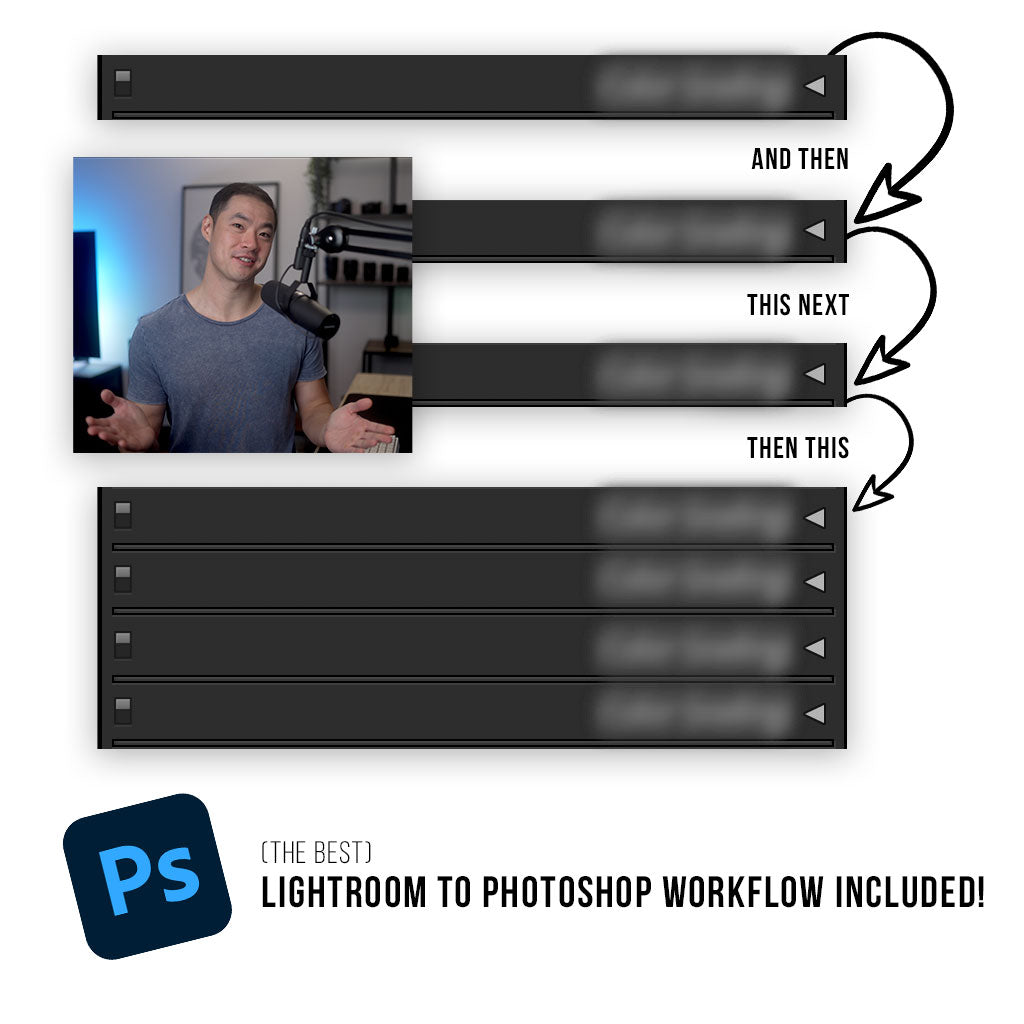
Create an efficient & consistent workflow.
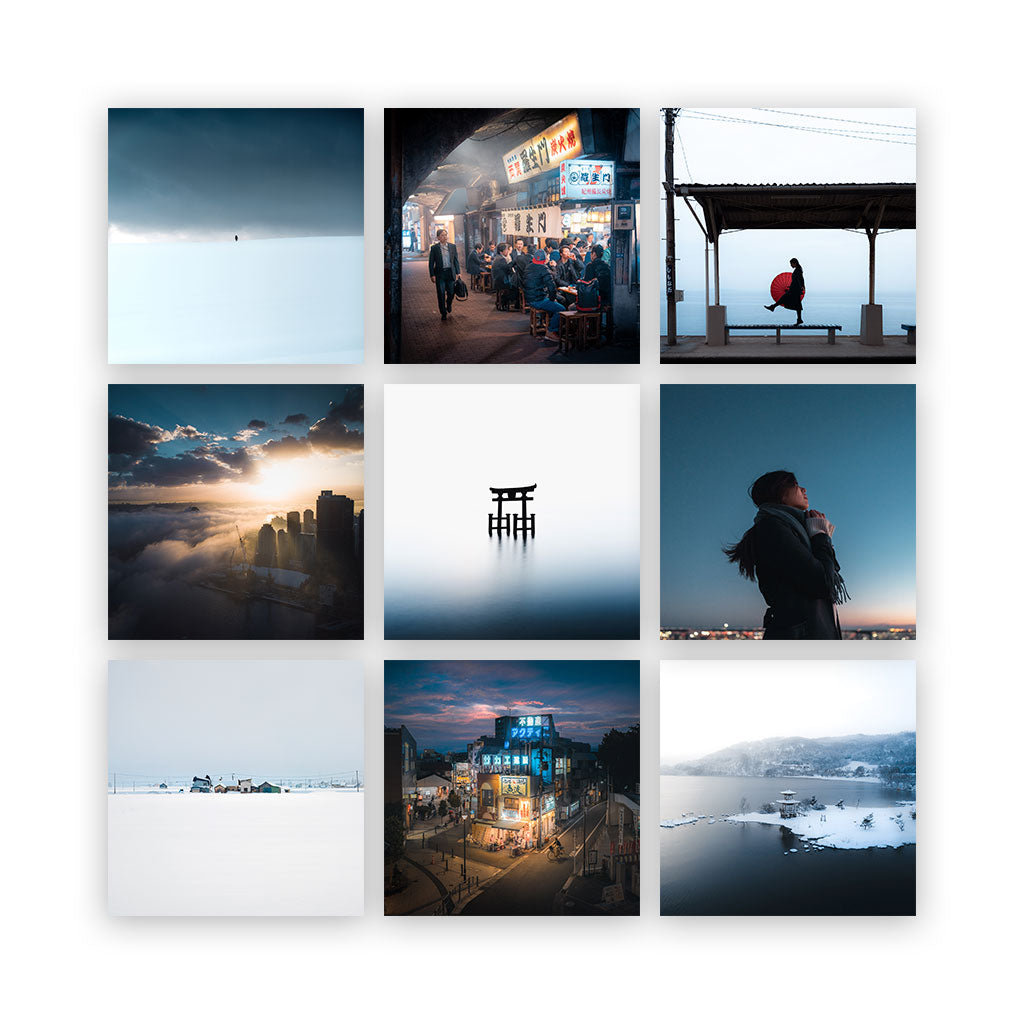
Develop a visual aesthetic that is truly unique to you.
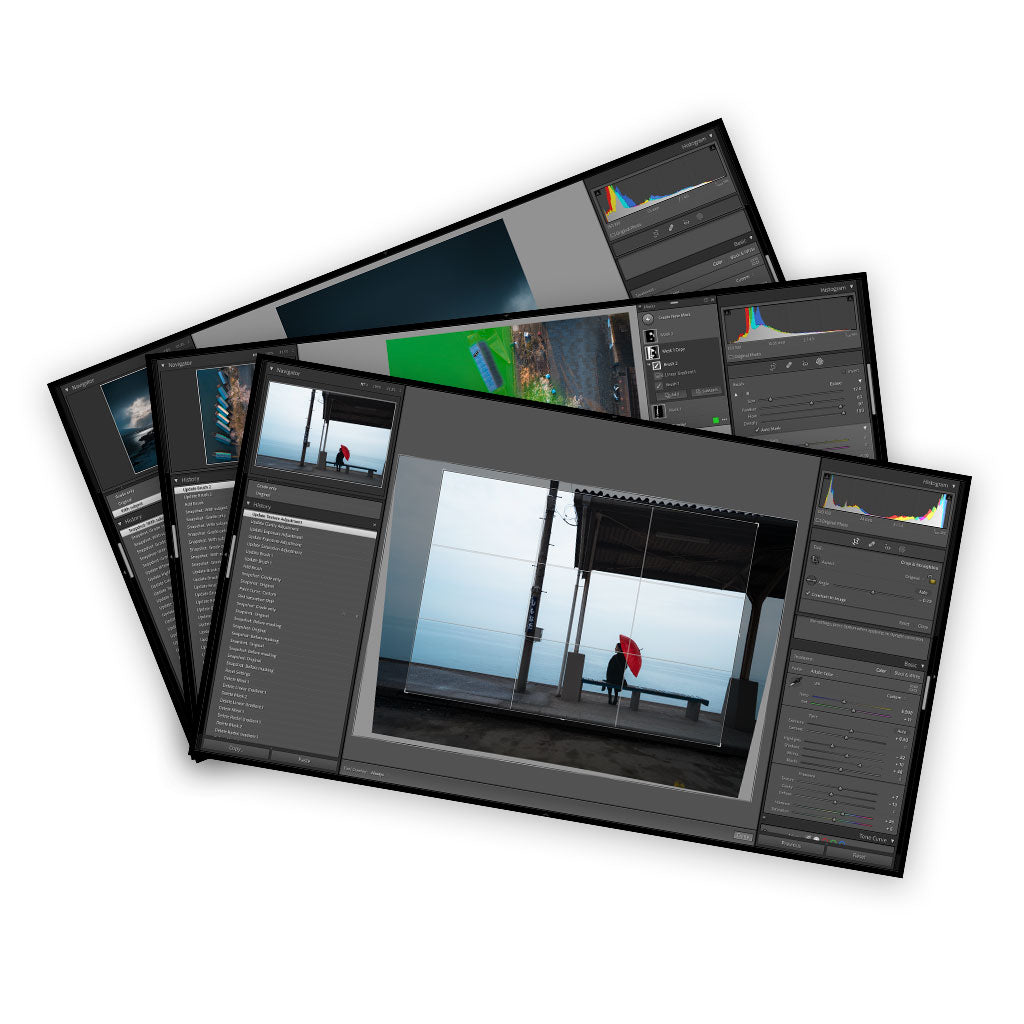
Learn new creative editing techniques and concepts.
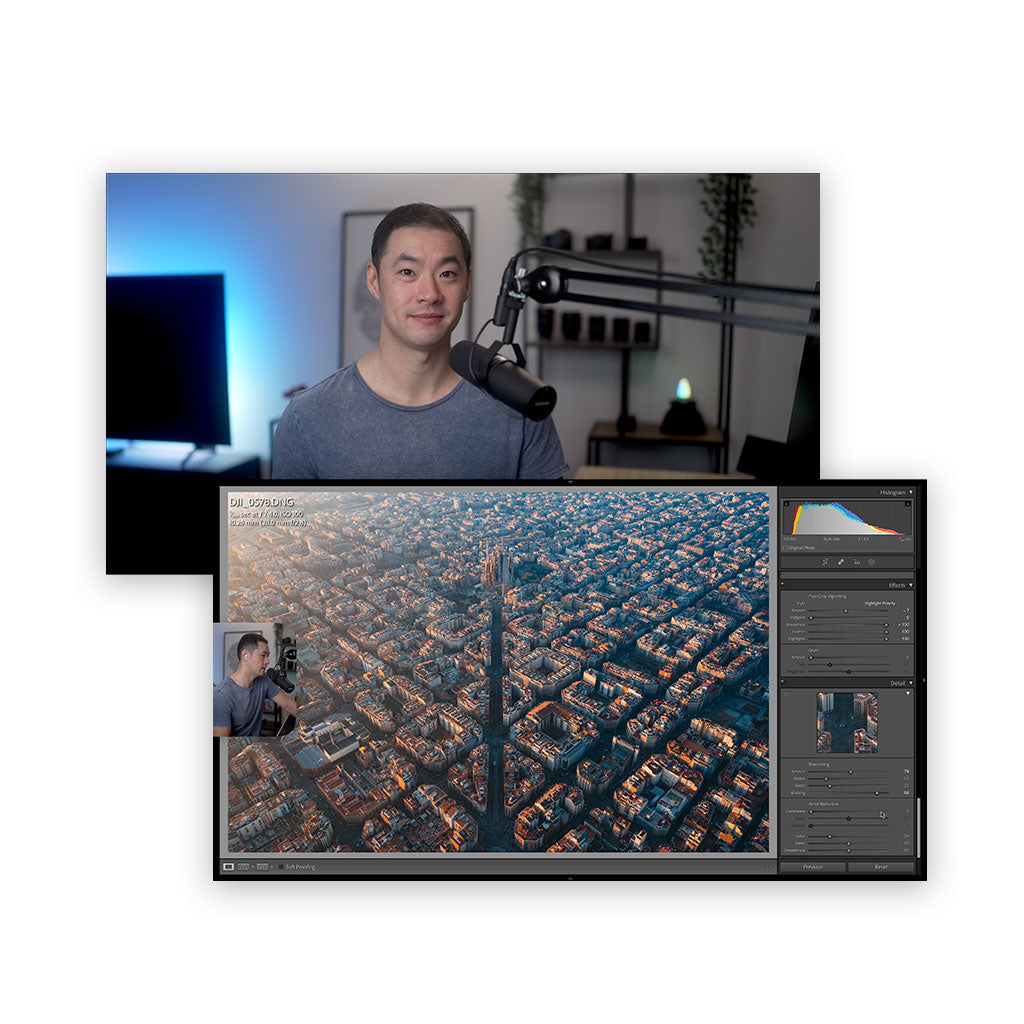
5+ hours of real-world, portfolio-level, end-to-end editing sessions.
What we’ll cover in our 11 hours together:
1) Introduction
Hey! Let’s get to know what we’ll be going through together in the masterclass. We’ll also cover the different versions of Lightroom and which we’ll be using to learn with.
2) Importing and organisation
We’ll orient ourselves with the basics and a good foundational knowledge of how to organise our images, because things can get kind of out of hand when we’re talking about hundreds of thousands of images, ya know?
3) Editing fundamentals
While this module has the word “fundamentals” in it, I assure you that even the most seasoned of Lightroom users will pick up a few new things they didn’t know about the Develop tools in Lightroom. I go in to *technical detail* about how the tools work, rather than just sliding a slider and saying “look, it does this”.
4) Local adjustments
Masking and local adjustments can really shape your images into unique pieces of art, and this module introduces you to the tools that do it well. This is where we introduce the new Masking feature for the first time; a tool that will change the way you edit in Lightroom forever.
5) Editing workflow
I take you through my exact workflow that I use for every single image. It’s a workflow that has taken tens of thousands of edits to perfect, and it’s one that I feel is the most efficient, scalable, and non-destructive methods you’ll find out there.
6) Creative editing
If things weren’t interesting enough by this point in the masterclass, they will be from this module. We get into some creative techniques using specific tools and I teach you some ways you can truly make your images unique and stand out from the crowd.
7) Building a visual aesthetic
While we won’t really be using Lightroom much in this module, I feel it’s important to cover the concepts of how to build a visual aesthetic, what style in photography truly is, and a few other concepts, so that you can really get an understanding of the fast-track towards being able to effectively communicate with your images through visual language.
8) Editing sessions
To finish up the masterclass, we spend hours upon hours editing my portfolio images in a real, raw, and unfiltered way. This real-world approach will guide your understanding towards what editing in Lightroom is really like from a professional photographer who does this every day. I’ll talk through every step of the process and show you my favourite techniques to achieve some creative and unique looks that are cornerstones to my unique style and visual aesthetic.
Get Digital Download ” Pat Kay – Lightroom Editing Masterclass ” Right Now!


Reviews
There are no reviews yet.